PDF
Quick User Manual
A short, illustrated guide: set the platform up, then run every core process step by step.
Step-by-step guides for every module, the complete platform documentation and the user overview — read them here or take them with you.
Each guide is also a download — the PDF prints well, the Word document is the full reference, and the slides are ready to present.
A short, illustrated guide: set the platform up, then run every core process step by step.
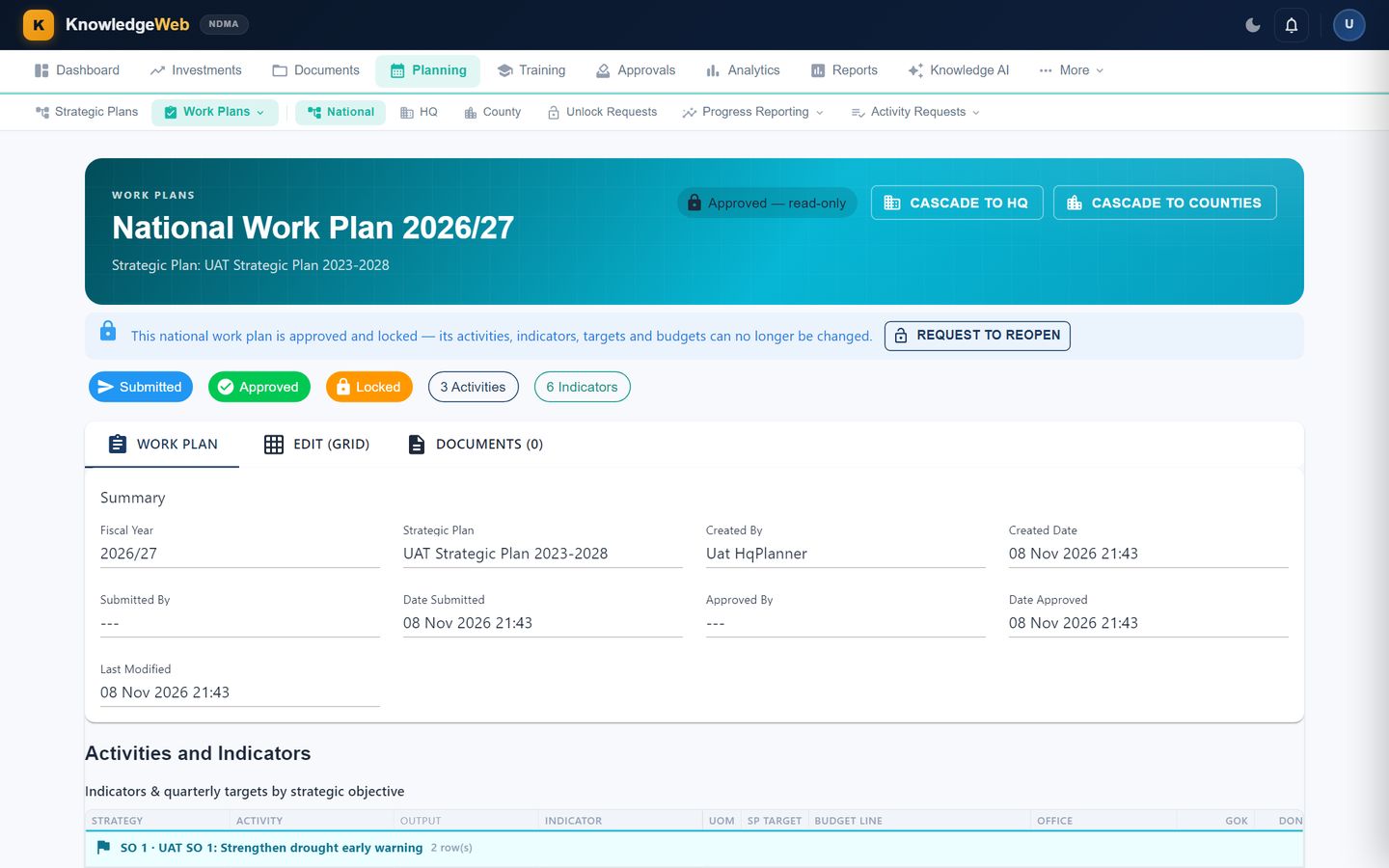
The complete reference: every module in depth, administration, business rules and the technical guide.
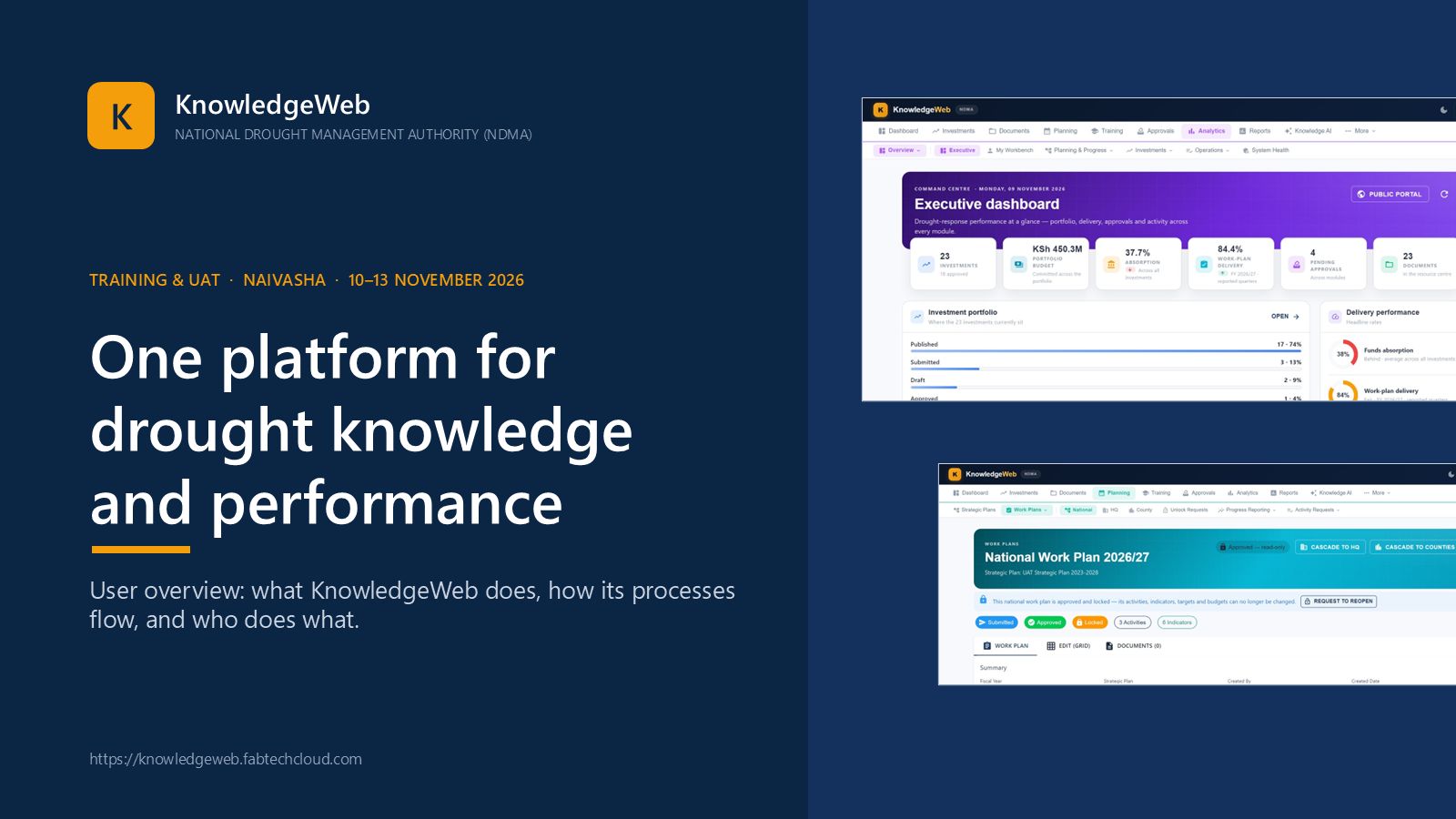
The platform at a glance: what it does, how its processes flow, and who does what — with speaker notes.
Five maps that explain almost every button in KnowledgeWeb.
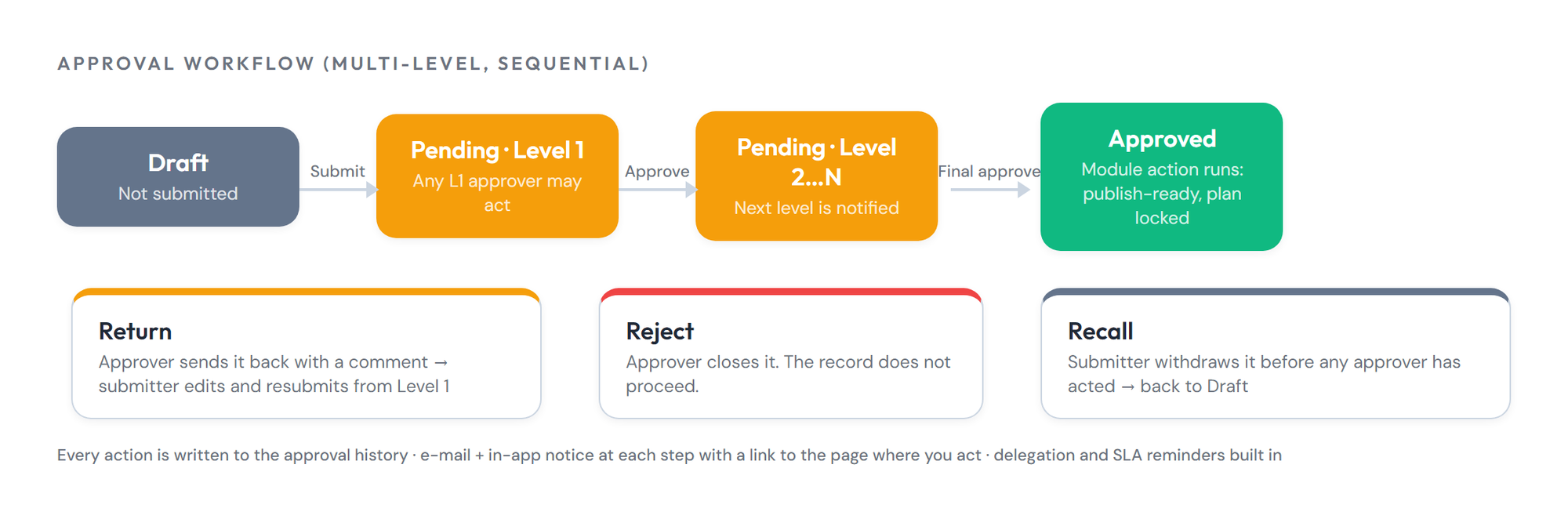
Every record type — investments, documents, strategic and work plans, unlock requests — goes through the same multi-level approval. Any approver on the current level can act; a return sends it back with a comment; a submitter can recall it before anyone acts.
Read the stepsProgress is due on the 5th of the month after each quarter ends. KnowledgeWeb reminds you daily from three days before the quarter ends; after the 5th, a first submission needs a late-submission request.
You do not hold the permission for that page. Ask your administrator to grant it; then sign out and in again.
It is either awaiting approval (it thaws if returned or recalled) or approved and locked. Use Request to reopen, or report delivery under Progress Reporting.
No strategic objective is mapped to your department yet. Your planner maps them on the strategic plan's SO Mappings page.
Only approved plans and quarters that have started can be captured, and a submitted or accepted quarter is frozen until returned. At HQ, an objective that is view only for your department is submitted by another department.
Approvals are approve or return only. Return the record with the reason; the submitter decides what to do with it.
County plans are changed only by staff placed in that county. HQ staff and administrators can view them.
Only PDFs are published. Click Convert to PDF in the Registry, check the preview and keep it; then publish.
Read the comment in My Submissions (or the reviewer's flags on the capture page), fix it and Resubmit.
Partner investments are never submitted for approval; a publisher publishes them from the Registry.
Check Notification preferences and your spam folder. In-app notifications in the bell always arrive.
Use Forgot password? on the sign-in page; for 2FA use a recovery code, or ask an administrator to reset your password.